Guides for your property
How to Increase Bookings on Booking

How can I sell more on booking.com ?
Selling more on Booking.com, as on any other online booking platform, requires an effective strategy and continuous updates to prices and other available options.
We have prepared a list of useful tips to help you maximise sales on Booking.com
1 / Be competitive with your rates
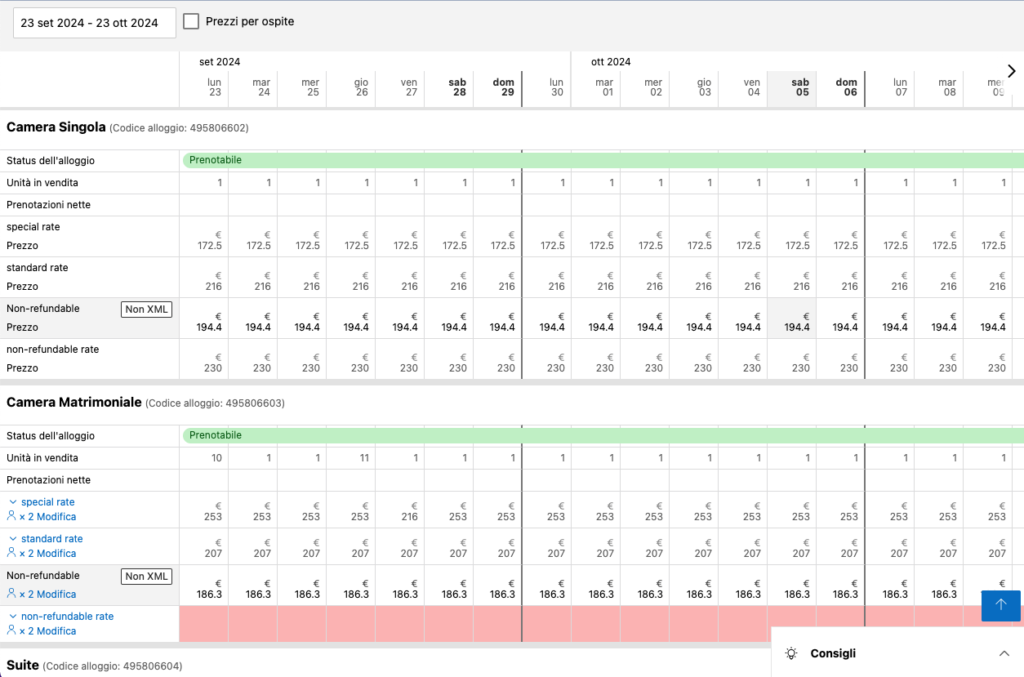
Your rates must be competitive compared to other hotels or similar accommodation providers in your area (by area we mean within a few kilometres). To monitor competitors' prices, we suggest conducting regular research and aligning your prices with the market where appropriate.
Booking recommends creating the following rates
- flexible rate
- non-refundable rate
- weekly rate
- differentiated prices for additional occupants
2 / Keep room availability constantly updated

Always keep your room availability up to date and only close rooms when you are sure you cannot sell them. The more rooms you have available, the greater your chances of being booked.
3 / Encourage guests to leave reviews and respond
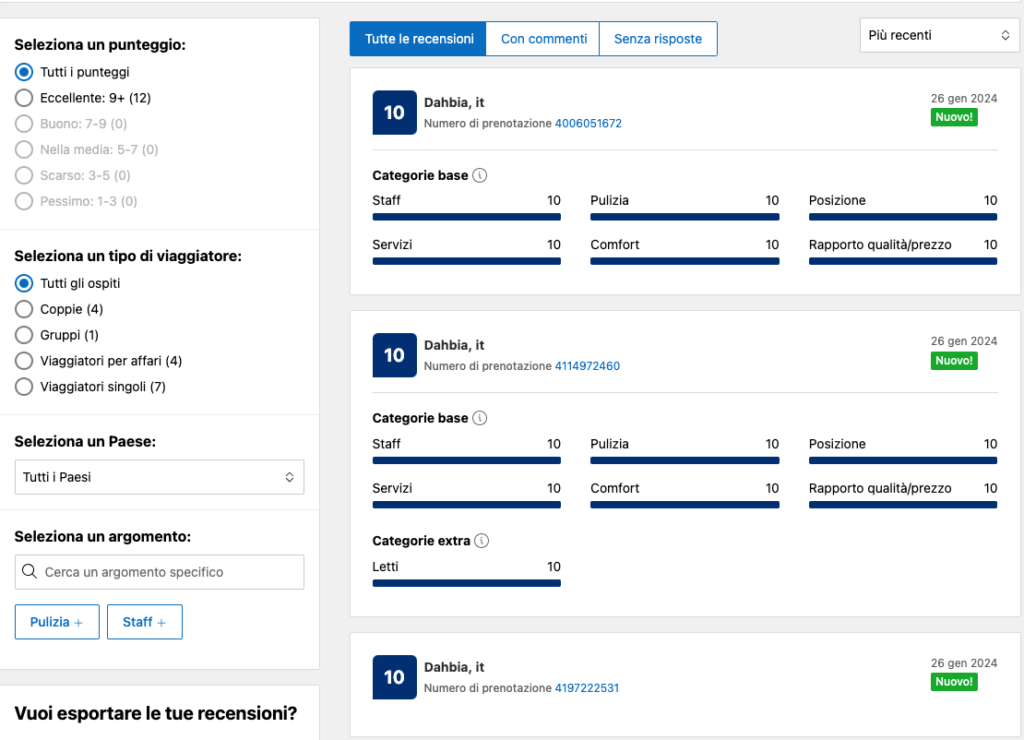
Encourage your guests to leave positive reviews after their stay. Positive reviews increase potential customers' trust and help improve your accommodation provider’s ranking in search results.
Respond to guest reviews professionally and empathetically, whether positive or negative. Demonstrating a positive attitude towards customer feedback can enhance your reputation.
4 / Use high-quality photos
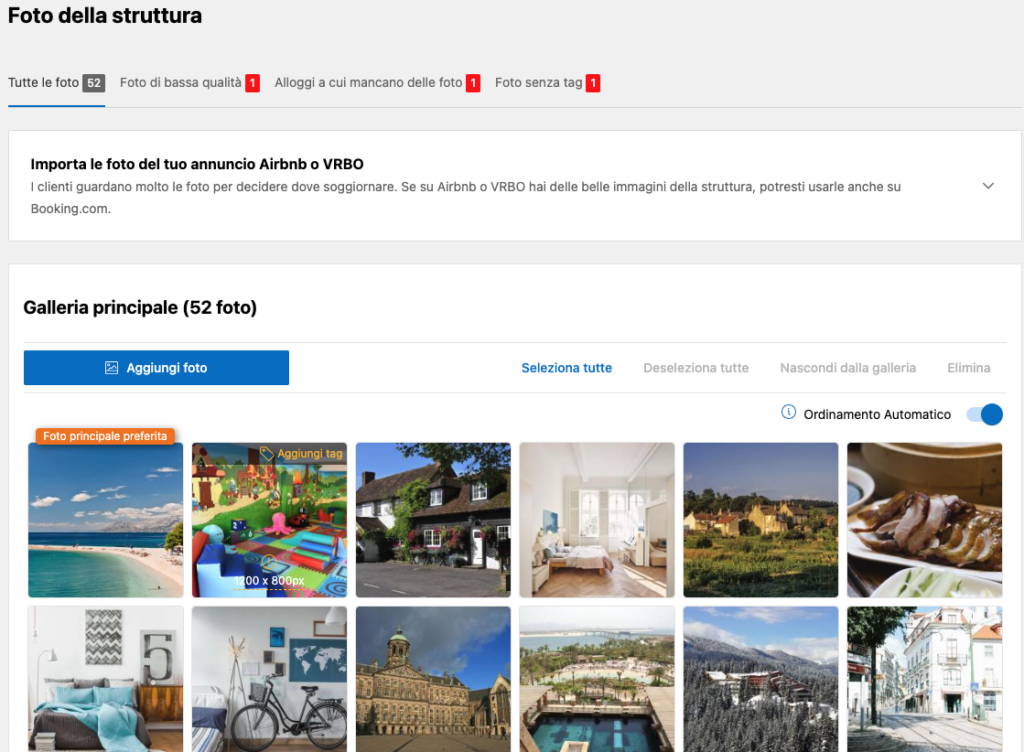
Images are a key factor in the booking decision. Ensure that photos of your rooms and accommodation provider are high quality and showcase your property at its best.
Make sure you have at least 40 photos and that they are properly tagged.
Ensure the property's preview photo is the most appropriate and best highlights its strengths (e.g. swimming pool)
5 / Use promotions and discounts at the right time and in the right way:
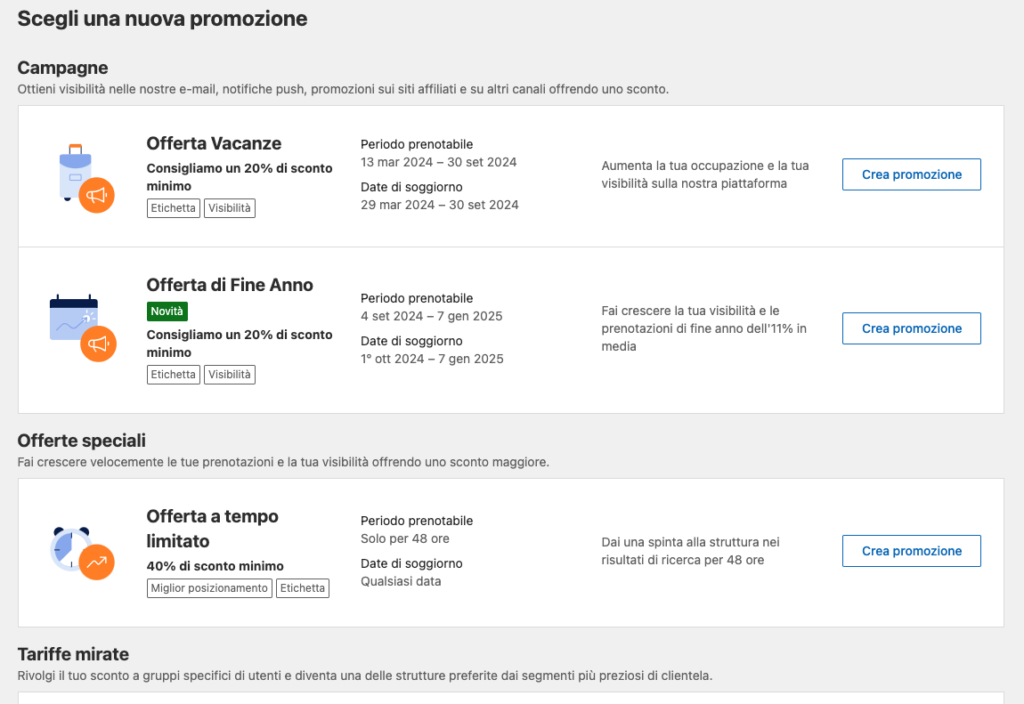
Offer special promotions or discounts to attract new customers. You can use Booking.com's "Improve your performance" feature.
As of today (September 2024), the following promotions are available:
- Genius
- Preferred partner
- Visibility booster
- Business ready
- Mobile
- Smart flex
- Country rate
- Last minute
- Book early
- Basic offers
- Timed offers
6 / Optimise your property's page score

Shows how much potential customers like your property's page on Booking.com, based on the information and photos you have added.
A page score of 100% can lead to up to 18% more bookings.
7 / Be flexible with check-in/check-out:
Offer flexible check-in and check-out options where possible to meet your guests' needs. You might also consider remote access control systems if you are not always available.
8 / Respond promptly to messages
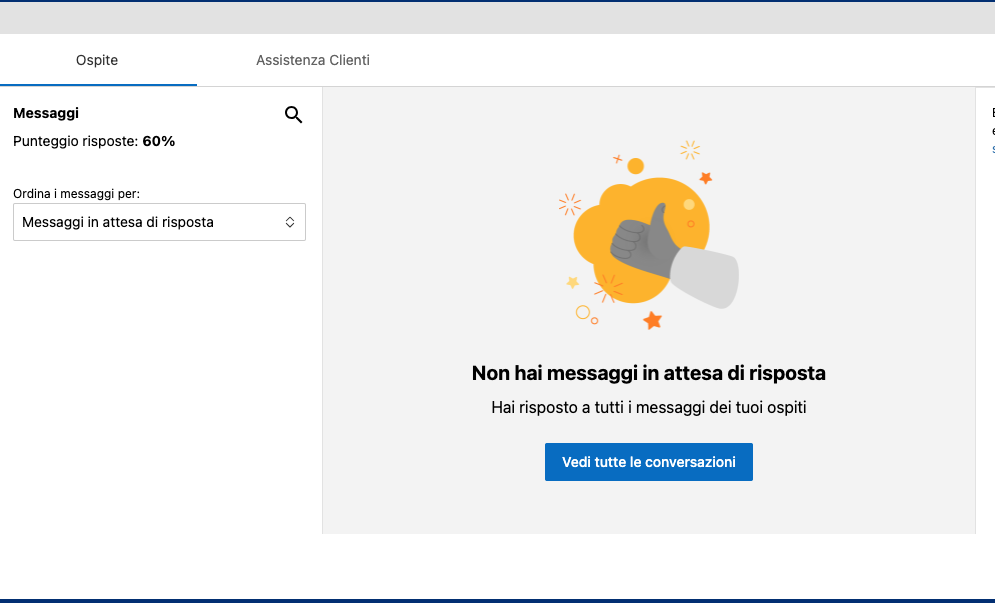
Responding quickly to booking requests can increase conversion chances and reduce cancellations.