How does cost centre management work?
What can I track in the cost centre?
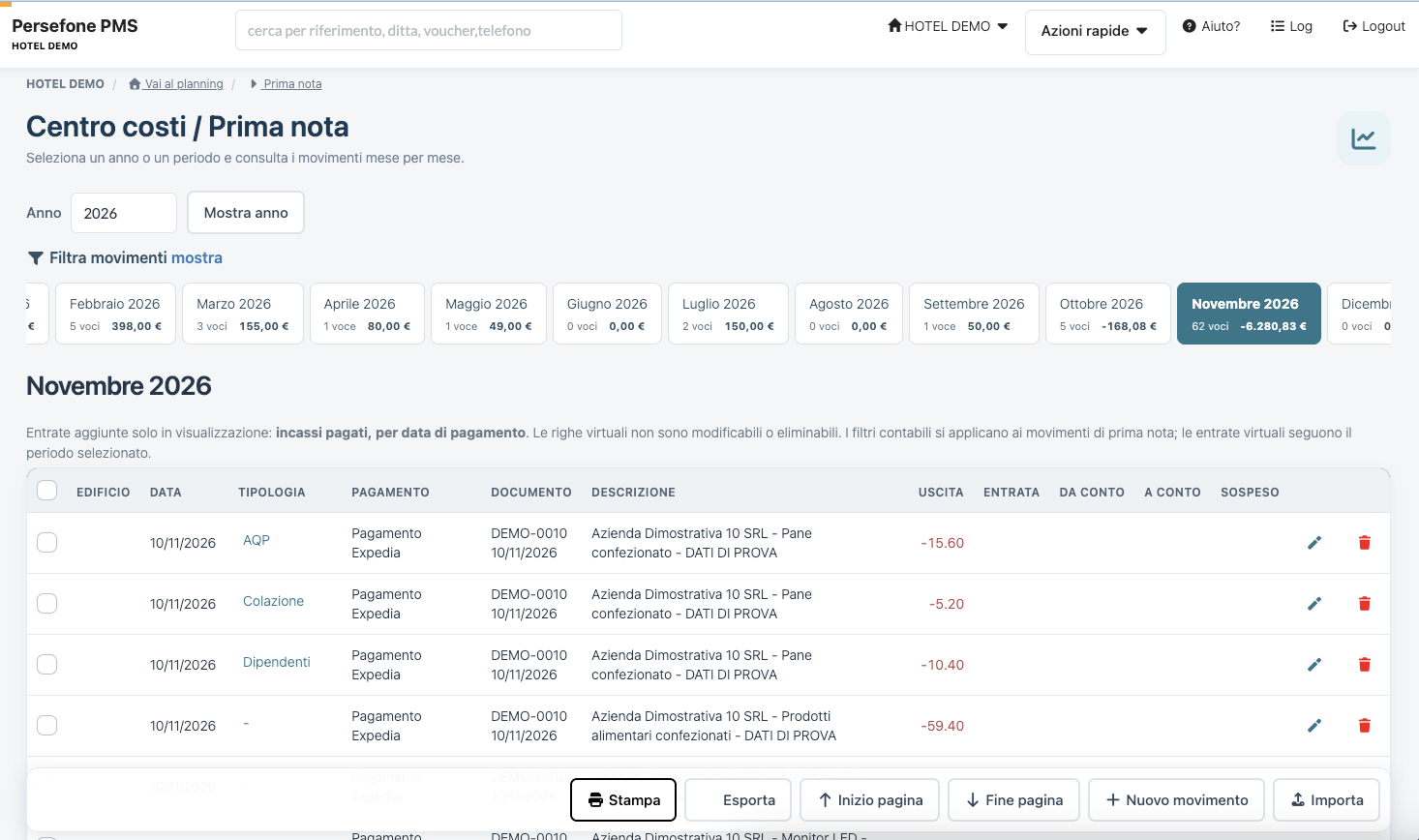
You can record and view cashbook transactions, distinguishing type, payment, document, description, outgoings and income. Categories help organise property expenses.
How is income displayed?
Paid receipts are shown read-only by payment date. These virtual rows cannot be modified or deleted; they follow the selected period, while accounting filters apply to cashbook transactions.
Can I view a specific month or period?
Yes. You can select a year or period and view summaries and monthly transactions.
Does the cost centre replace accounting?
The module helps you organise and view transactions. For accounting records, compliance and tax checks, compare procedures and data with your advisor.