Guides for your property
Hotel software for Mac: how to evaluate a cloud PMS
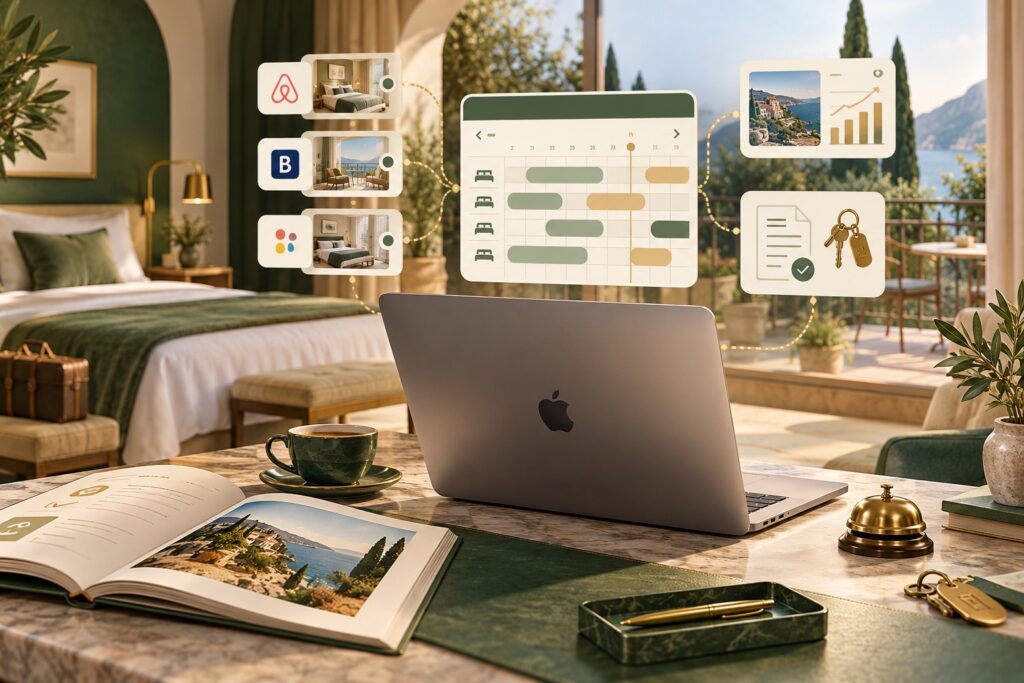
Mac users can consider hotel management software accessible via browser. A cloud PMS allows online system access without relying solely on software installation on macOS.
What to check on your Mac?
During the demo, open the management software with your usual computer and browser. Check planning readability, window behaviour, booking entry and any necessary printing or exporting. Peripherals and external integrations require specific checks.
Which tasks to try?
- Enter and modify a booking.
- Check room availability, arrivals and departures.
- Organise cleaning and team activities.
- Verify documents and relevant administrative functions.
How is online sales connected?
The Channel Manager coordinates supported portals, while the Booking Engine collects bookings from the website. They are not synonyms for PMS: assess which modules you need and how they are configured for your accommodation provider.
How to choose with a practical trial?
Bring a real case to the consultant: a multi-night booking, a change and an extra service. Check who can access the system and what tasks you can perform from other devices. This comparison is more useful than a generic compatibility promise.
Discover the Persefone cloud PMS and request a demonstration tailored to your workflow.